
One of the big draws of a laptop computer is that you can use it anywhere. You don’t need to have it plugged in all the time because it has an internal battery.
Your laptop may start out with several hours of battery life when you first buy it. But the lifespan can get shorter as time goes by and battery health takes a hit. Sometimes this can be due to a lack of PC maintenance. Other times, it’s due to the environments the laptop is subject to (such as a hot car).
Seeing your laptop’s battery capacity shrink can be frustrating. But there are several things you can do to increase the time you can go without needing to plug it in
Lower the Display Brightness
The brighter your display is, the more battery power it’s taking. Have you ever hit the automated low battery mode on a laptop? Then you know you immediately notice a difference in brightness. This is because that setting turns down the brightness. It’s one of the ways to reduce battery consumption.
You can turn down the brightness of your screen in your display settings. You can also use the brightness keys that are usually in the top row of keys on a laptop keyboard.
Reduce PC Battery Use in Power/Sleep Settings
Here’s one way to increase the time you can use your unplugged laptop without a power source. Adjust some of its power and sleep settings.
If you’re using Windows, open the search on the Task Bar. Type in “power settings.” This directs you to the power, sleep, and battery settings in your system settings.
Look for any tips at the top for increasing battery longevity. Such as, making the time your screen goes dark after inactivity and the time it goes to sleep the same.
Then review the settings, such as Screen and sleep, and Power mode. Find the ones that will reduce your PC’s battery consumption. This will extend the time you can go without a new charge.
Enable Battery-Saver Mode
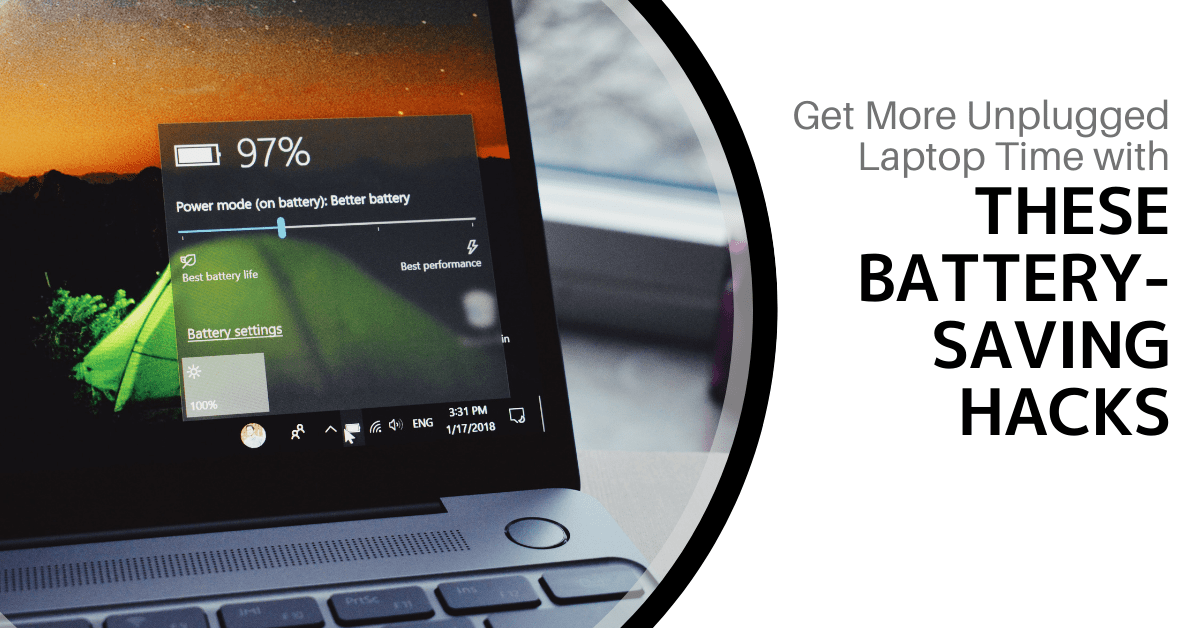
You don’t have to wait until your PC hits 10% for it to go into battery-saver mode. You can control this and enable it yourself in your system settings.
Do you know you’re going to be without a power source for a while? Put your PC in power-saver or battery-saver mode right away, so you can extend the charge as long as possible.
Use the Manufacturer’s Battery Calibration Tool
Manufacturers will have their own PC maintenance tools installed. You can use for battery calibration. Sometimes calibrating the battery can correct an issue with a battery life. Especially if life has gotten shorter than when you first purchased your laptop.
Look for a manufacturer’s built-in maintenance app. It will usually be on the Task Bar unless you’ve hidden it. When you open that, you may find that you need to do a calibration or other maintenance task.
Get a Computer Tune-up
If you have processes running in the background it can sap your battery life. Processes that aren’t needed can often run anyhow. Getting a computer tune-up from your IT provider can solve a lot of different issues. This includes such as computers that get sluggish, and often, the battery life too.
Consider Using Microsoft Edge Browser for Its Efficiency Settings
If like most people, you keep a lot of browser tabs open while you’re working on your PC. They could be sapping your battery power.
Consider trying Microsoft’s Edge browser. It has been gaining in popularity ever since it incorporated the Chromium engine. This is same one Chrome uses
The browser has several power-saving features that you can enable in your settings. Search “sleeping tabs” in Edge settings to find these. They include:
- Enable efficiency mode (choose from the available options)
- Enable Sleeping Tabs and fade them when asleep
- Choose when you would like to put inactive browser tabs to sleep to conserve battery power.
Turn Off Unnecessary Apps Hogging Battery Power
Check the apps that are running on your PC in the Task Manager. Do you really need them all to run when you’re unplugged and trying to conserve battery power?
Often processes that aren’t 100% necessary all the time will be running. Such as an update service or cloud storage syncing app. Close the apps you don’t need to use at that time to lengthen battery life.
Keep Your PC Out of Too Much Heat or Freezing Temps
Both excess heat and freezing temperatures can be bad for a computer. This includes shortening the battery life.
You should never leave your laptop in a car on a hot day or when it’s freezing outside. Also, it might not seem particularly hot to you, but if it’s sunny, the inside of a vehicle can heat up pretty quickly. Be aware of the temperature extremes that your laptop is subject to.
Looking for a PC Tune-Up or Battery Replacement?
We can help you with a full system tune-up or a laptop battery replacement if needed. Don’t struggle with short battery life when you can have that fixed in no time! Give us a call today and let’s chat.
Article used with permission from The Technology Press.