


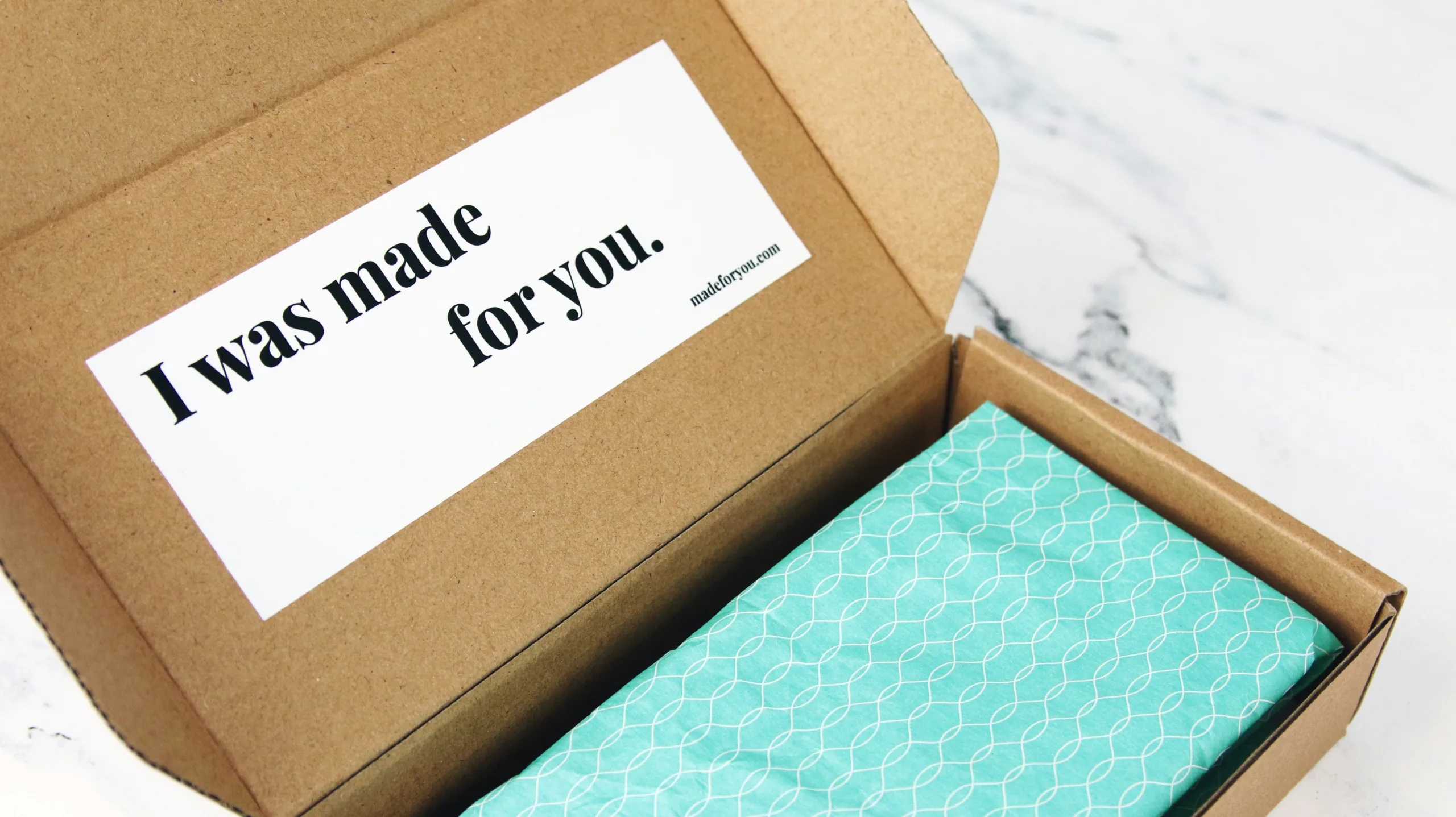
Lets know Printing Labels to Despatch Your eCommerce Products, Setting up your own eCommerce business may have been a complicated affair. You would have had to have done a considerable amount of market research, then finding the products you need and the people to supply them. You would also have had to spend time getting a website designed and using marketing techniques to attract attention and visitors to your site.
If you got all of that right to some extent, this would have resulted in hopefully the first of many sales. With the customer’s money in the bank, you now need to ensure that they receive their product, and a major part of that will be in printing the despatch label.
Considering how complicated the rest of the process would have been, you want to make sure this part is as easy as possible. To help with this, we would like to share some insights to give you some guidance on how to go about it.
Why are shipping labels so important?
In short, the shipping label will contain the name and address of the recipient as well as other important shipping details that ensure the package gets to its destination. This will include package weight and tracking details, so it can move seamlessly through the couriers’ network. Therefore, having a good quality address label is essential to ensuring your customer receives their package on time.
Creating your shipping label
The process will vary slightly depending on which courier you have chosen for this task. We found that the bigger players like UPS, FedEx, and DHL will supply you with labels to print, so you do not have to create your own. It will also depend on which eCommerce platform you are using; with software from Magento, in particular, creating labels is very user-friendly and easy (especially with modules from the couriers that dynamically create the labels).
If the shipping labels are not dynamically created, then you’ll need to create some templates, yourself perhaps using Microsoft Word to paste in the address data (or perform a merge from Excel) to allow you to print multiple labels on a single sheet.
Once complete, the labels now exist in digital format, and need to be printed…
Printing your shipping labels
Labels are often a specific size, specialist retailers like labelplanet.co.uk offer shipping labels on A4 sheets, meaning you can use standard desktop Inkjet or Laser printers instead of buying specialist hardware.
Alternatively, Brother manufactures a whole range of specialist Label Printers specifically for address labels, but they need specific paper and inks (whereas using a desktop printer allows for more flexibility and means you can often use hardware you already have).
After printing
Most ecommerce systems will update the order status directly after printing the Address Label, perhaps triggering an email to the customer to let them know it’s been dispatched.
At this point, additional timed emails may be queued to request product reviews or service reviews, perhaps through services like TrustPilot.
So, although printing shipping labels seems like a small part of a much bigger sequence of events, it’s often a key ‘moment’ in the operations side of any ecommerce business.
Also check this out Print with Purpose: ABC Service – Your Eco-Friendly Flyer Printing Solution.