
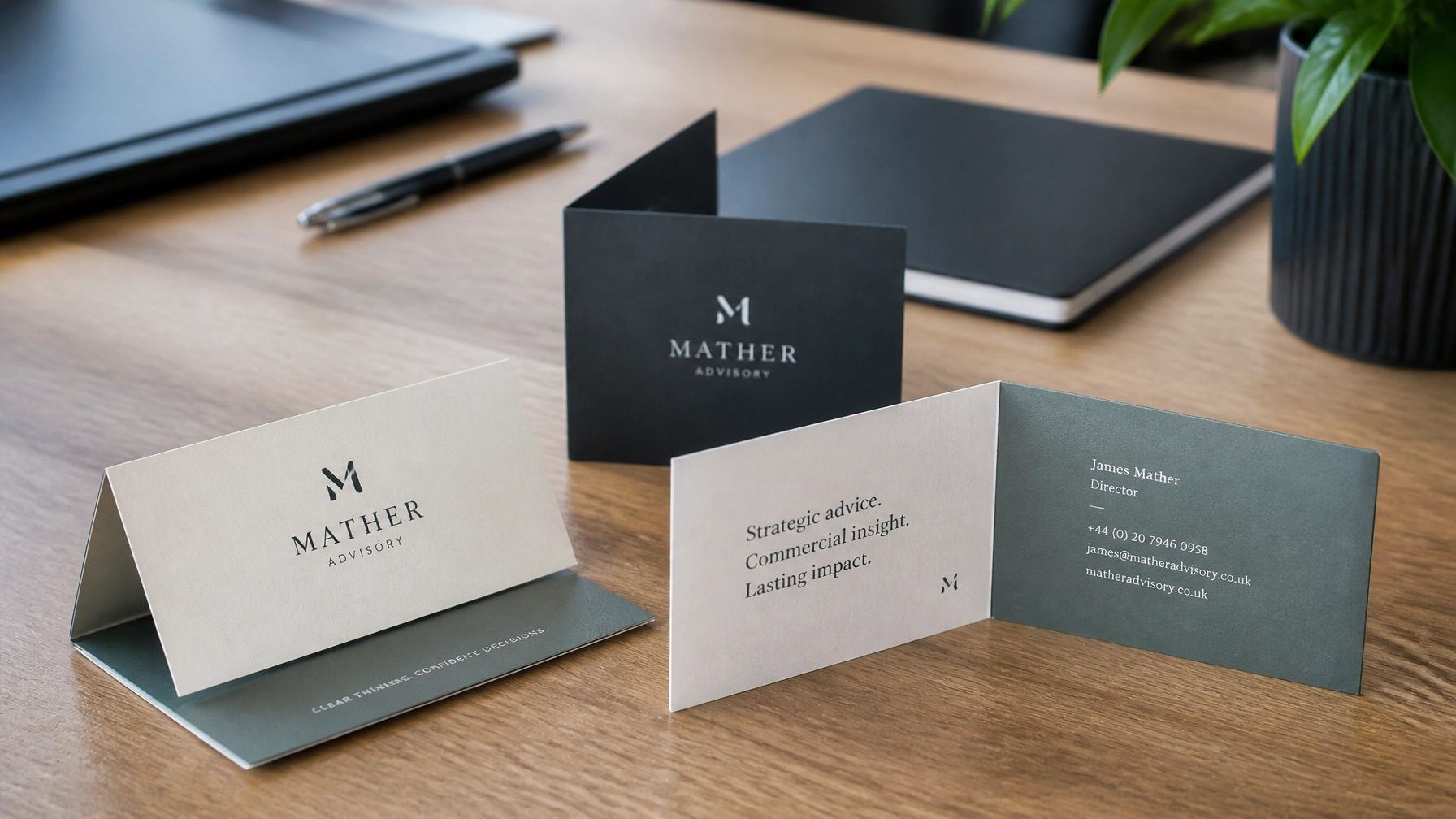
When you need a bit more room than a standard business card provides, folded business cards are a fantastic solution. Whether you’re a local hairdresser in Tavistock needing space for appointment slots or a Plymouth-based consultant wanting to showcase a mini-portfolio, that extra real estate is incredibly valuable.
However, having twice the space also means there are twice as many opportunities for things to go wrong in the design phase. We see it often in our Tavistock print studio, a beautiful design that just doesn’t quite work once it hits the physical paper.
At ABC Service, we’re all about making sure your business looks its best. To help you avoid the common pitfalls, we’ve rounded up the seven most frequent mistakes people make with folded business card printing and, more importantly, how you can fix them.
1. Ignoring Bleed and Safe Zones
One of the most common issues we encounter is a lack of "bleed." In the printing world, "bleed" refers to the area of your design that goes beyond the edge of where the card will be cut.
If your background colour or image stops exactly at the edge of the design, any tiny shift in the cutting machine (and we’re talking fractions of a millimetre) can leave a distracting white line along the edge of your card.
The Fix: Always include a 3mm bleed on all sides of your artwork. Similarly, keep all important text and logos at least 3mm inside the trim line, this is your "Safe Zone." It ensures that even with natural movement during the trimming process, your content remains perfectly intact and looks professional.

2. Using Low-Resolution Graphics and Logos
It’s easy to grab a logo from your website and drop it into a design, but what looks crisp on a screen can look fuzzy or pixelated when printed. Most screens display at 72 DPI (dots per inch), but for high-quality custom folded business cards, you need much more detail.
The Fix: Ensure all images and logos are set to 300 DPI at the actual size they will be printed. If possible, use vector files (like .AI, .EPS, or .SVG) for your logos. Vectors don’t use pixels, meaning they stay perfectly sharp no matter how much you scale them. If you’re unsure, our in-house graphic design team can help check your files before they go to press.
3. The "Upside Down" Panel Mistake
This is the classic folded card conundrum. Because a folded card has four panels (front, back, and two inside panels), it’s easy to get the orientation wrong. We’ve seen many designs where the inside text is printed upside down relative to the front cover because the designer didn’t account for how the card is physically turned over.
The Fix: Think of your card as a miniature book. The best way to check your layout is to print a "dummy" copy on your home printer, fold it, and see which way the text faces. If you’re designing the card flat, remember that the "top" of the inside panels might need to be oriented differently depending on whether your card folds on the side or the top.

4. Designing in the Wrong Colour Space
Most design software defaults to RGB (Red, Green, Blue) because that’s how screens display colour. However, professional printing presses use CMYK (Cyan, Magenta, Yellow, Black). If you design in RGB, the vibrant neon green you see on your monitor might turn into a dull forest green once it’s printed.
The Fix: Always set your document to the CMYK colour mode before you start designing. This gives you a much more accurate preview of how the final colours will look. If you have specific brand colours, we can help you match them as closely as possible using our digital print systems here in Devon.
5. Overcrowding with Information
Just because you can fit a full list of services, five phone numbers, a map, and your life story on a folded card doesn’t mean you should. A cluttered card is a hard-to-read card.
"White space is not wasted space; it is a tool that allows your most important information to breathe and stand out."
The Fix: Use the extra panels strategically. Keep the front cover simple with just your logo and a clear value proposition. Put your contact details on one of the inside panels and perhaps a QR code or an appointment table on the other. Leave enough "white space" so the recipient isn't overwhelmed.
6. Placing Vital Content on the Fold Line
The fold line (or crease) is a point of physical stress for the paper. If you place a line of text or a small logo directly over the fold, it can look messy or become difficult to read once the card is creased. In some cases, the ink can even "crack" slightly along the fold line if the design is very dark.
The Fix: Keep all text and important graphics away from the central fold line. We recommend a "buffer zone" of about 3–5mm on either side of the crease. This ensures your message remains legible and the card looks clean when opened.
7. Choosing Flimsy Paper
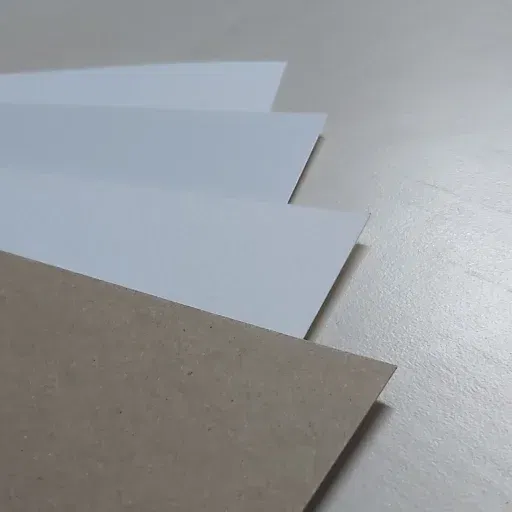
A folded business card needs to be sturdy. If the paper is too thin, the card won't stand up on a desk, and the fold might feel "mushy" rather than crisp. Conversely, if the card is very thick, it requires professional "scoring" (pre-creasing) to prevent the paper fibres from snapping and looking ragged.
The Fix: We generally recommend a card stock of at least 350gsm for folded cards. At ABC Service, we provide professional scoring on all our business card printing to ensure a clean, sharp fold every time.
Why Local Expertise Matters
While there are plenty of faceless online printers out there, there is a massive advantage to working with a local partner. When you choose ABC Service for your printing needs, you aren't just uploading a file to a void.
Our specialists in Tavistock review every job that comes through. If we spot a resolution issue or a panel that looks like it might be upside down, we’ll pick up the phone and let you know. We pride ourselves on providing a friendly, non-call-centre service that treats your business like our own.
Whether you are in Plymouth, Okehampton, or anywhere across the UK, we ensure your folded business cards arrive looking exactly as you imagined, or better.
Summary Checklist for Your Next Design
- Bleed – Did you include a 3mm bleed on all sides?
- Resolution – Are all your images and logos at least 300 DPI?
- Colour – Is your file set to CMYK mode?
- Layout – Have you checked the orientation of the inside panels?
- Safe Zones – Is your text at least 3mm away from the edges and the fold?
- Paper – Have you chosen a weight (like 350gsm) that can handle a fold?

Frequently Asked Questions
What are the standard sizes for folded business cards?
Most folded business cards are designed to be the same size as a standard card (85mm x 55mm) when folded. This means the flat, unfolded size is usually 170mm x 55mm (for a side fold) or 85mm x 110mm (for a top fold).
Do I need to score the cards myself?
No, we handle that for you! When you order folded business card printing from us, we use professional machinery to score a precise crease into the card. This prevents the card from cracking and ensures it folds perfectly every time.
Can I have different finishes like laminate?
Absolutely. Adding a matt, gloss, or soft-touch laminate can add an extra layer of durability and a premium feel to your cards. It’s a great way to make your brand stand out.
How long does printing take?
We complete most of our digital printing in-house at our Tavistock studio. Depending on the complexity and finish, we can often have your cards ready for collection or UK-wide delivery within a few working days.
If you’re ready to level up your networking game with custom folded business cards, why not get in touch with our team? We’d be more than happy to help you get your design spot on.